A Practical Training Program for the High-Tech Industry

From Sketch to Finished Part — Entering the World of CNC

A Shared Professional Core
Two specializations to choose from
Hands-On Learning

Students learn to understand the machining process, operate and set up CNC machines, work with precision—and choose between two specialization tracks: CNC Operator-Setup or CNC Setup-Programming with SolidCAM.

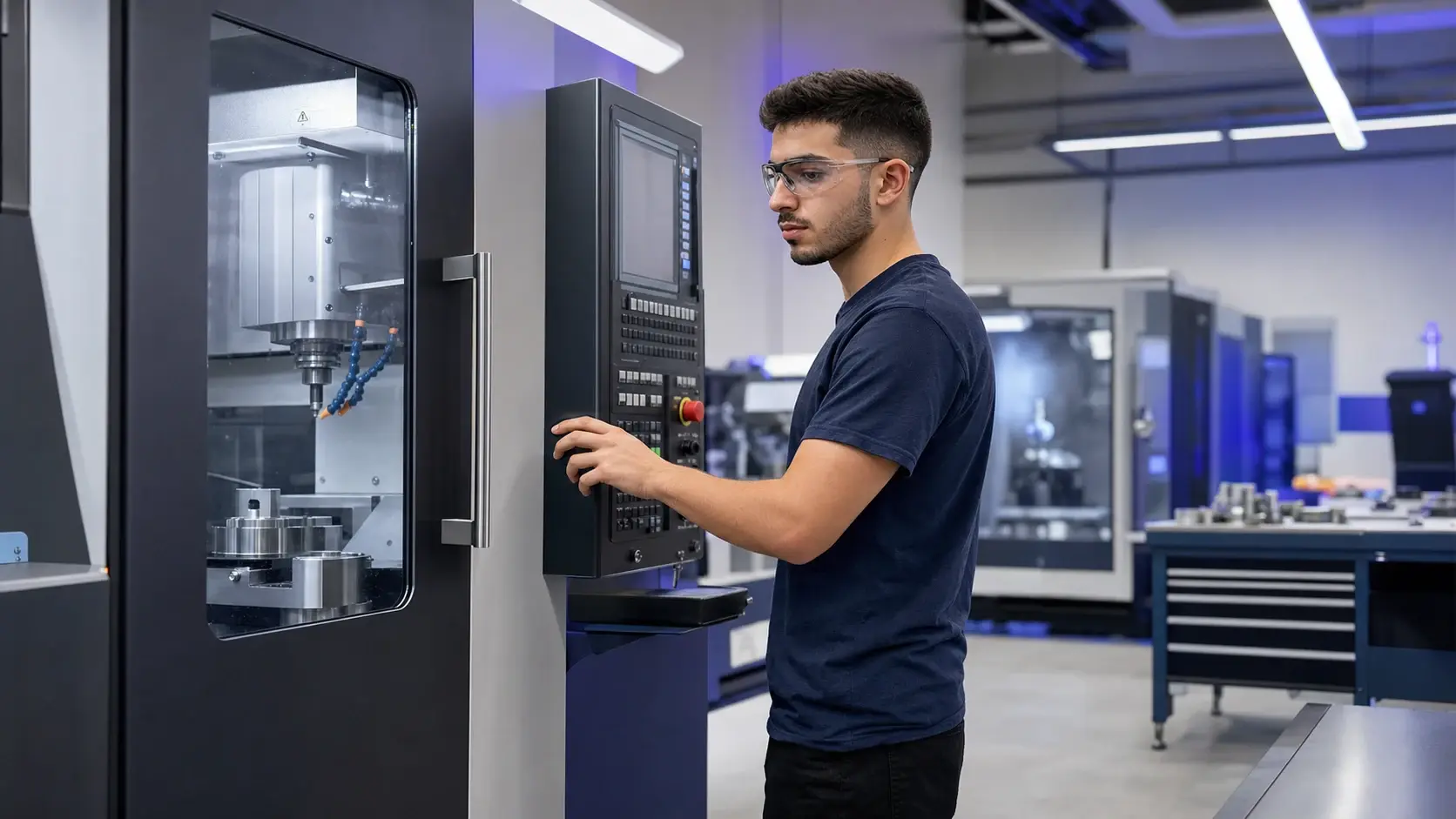
A student works at a CNC machine panel in a training lab
5 Steps in the Process
Campaign Illustration
A Glimpse into the Learning Process

What do you learn to do, step by step?

01

Understanding the Manufacturing Process

Connecting the drawing, material, tool, machine, and finished part.

02

Working Safely

Be familiar with the CNC environment and the sequence of steps to follow before starting the machine.

03

Preparing Tools and Setup

Select tools, a reference plane, and reference points for precise work.

04

Test, Measure, and Adjust

Inspect the first batch and maintain a consistent production process.

05

Choose the depth of specialization

Continue as a machinist or add process planning with SolidCAM.

Aluminum Parts, Measuring Tools, Cutting Tools, and Drafting Tools Manufacturing

What is CNC?

Every precision part begins with a drawing, a design, and a professional who knows how to make the machine do the job right. CNC operators set up the manufacturing process, select tools, set zero points and offsets, run the first part, check dimensions, and ensure that production remains precise.
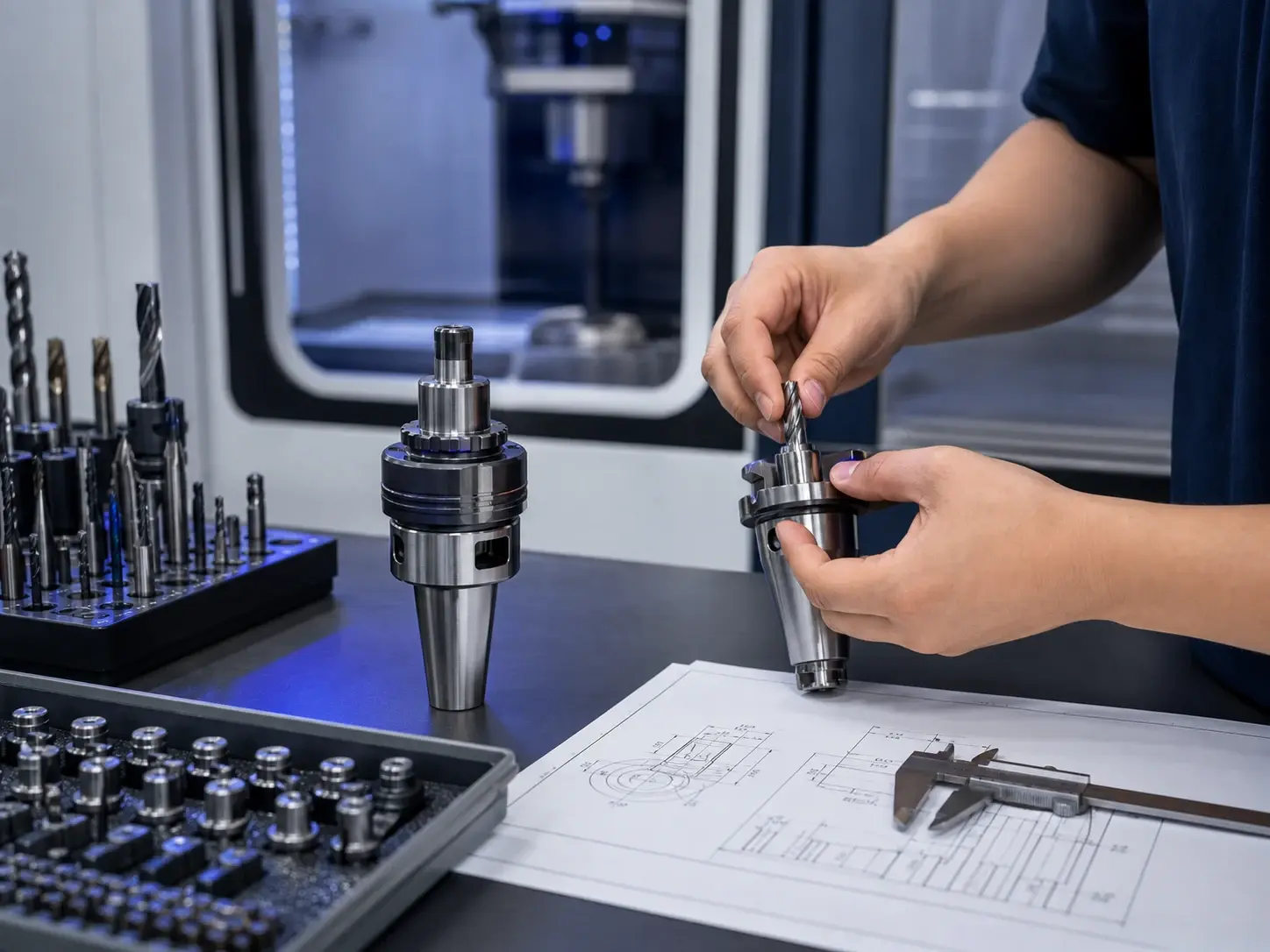
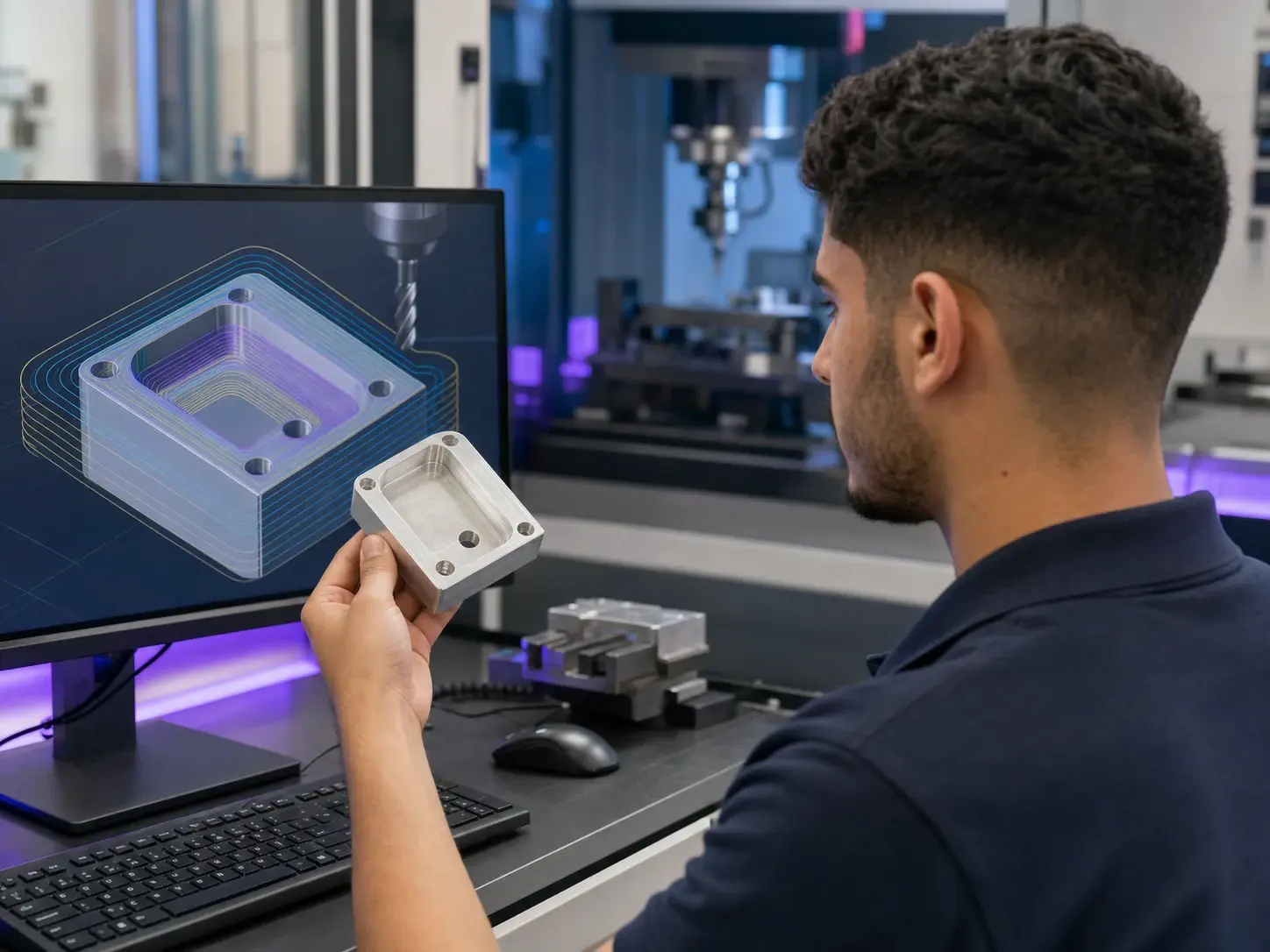
What do CNC operators do?

This is a profession that combines technology, critical thinking, hands-on work, and attention to detail—and is ideal for those who want to learn a real skill and work in a cutting-edge industrial environment.

This might be a good fit for those who...

Two professional specializations

Two professional specializations. Three training options.

We start with a common CNC core curriculum and build upon it to provide the level of training appropriate for the goal: operation and setup, SolidCAM programming, or a combined track that integrates both.

Tool Preparation and Set-Up in the CNC Operator-Programmer Track
Route 01
The Practical Course on Working with the Machine

CNC Operator-Setup Technician

CNC Operator & Setter

Students learn how to operate, set up, and calibrate a CNC machine; set up tools and offsets; run the first part; measure; and maintain a stable manufacturing process.

The Nature of the Route

Hands-on work at the machine — setting up tools, making adjustments, taking measurements, and troubleshooting in real time.

Planning a Vehicle Route and Comparing It to a Employee's Route
Route 02
The Advanced Track — From Computer to Machine

CNC Programming with SolidCAM

CNC Setter–Programmer with SolidCAM

Includes operator-level capabilities and adds model creation, part definition and setup, toolpath planning, simulation, and the generation of information for the production floor.

The Nature of the Route

More planning and computer-based work—from the model and the machining process all the way to the part that comes out of the machine.

Modular Training Structure

Three training options. One clear choice.

Each option includes the required CNC base and specializes in either operation and setup, SolidCAM programming, or a combined track that covers both.

A+B
30 sessions

CNC Operation and Calibration

A core CNC curriculum, followed by hands-on training in operation, alignment, and process control.

A+C
38 sessions

CNC Programming with SolidCAM

A core curriculum in CNC, followed by independent specialization in digital process design and programming in SolidCAM.

Curriculum

What is taught at each stage?

The curriculum is divided into a common core and specializations, to help students understand what each track has in common and what is unique to each.

Select a track to view the curriculum

150 academic hoursof core curriculum + operator-control specialization

Common Ground

Common Core

120 academic hours · 9 topics

The common professional foundation for both tracks, ranging from drafting and machinery to surveying and machine code.

View TopicsClose topics

Course Topics

  • Safety, Manufacturing Environment, and Industrial Discipline5 Hours
  • Reading Technical Drawings20 Hours
  • Accuracy, Tolerances, and Precisions15 Hours
  • Materials Science10 Hours
  • Machining Technology20 Hours
  • Understanding CNC Machines and Axis Systems15 Hours
  • Measurements and Quality Assurance10 Hours
  • G-Code Basics15 Hours
  • Practical Integration Lab10 Hours
Practical Internship

Operator-Adjustment Specialization

30 academic hours · 4 topics

Setting up the machine, selecting tools and offsets, and running the first part under controlled conditions.

View TopicsClose topics

Course Topics

  • Tools, Dapina, and Setup10 Hours
  • Offsets and Running Part One10 Hours
  • Production Control and Basic Malfunctions5 Hours
  • Final Exam and Project — Operator-Adjustment5 Hours

220 academic hoursCore Curriculum + Operator-Programmer Specialization + SolidCAM

Common Ground

Common Core

120 academic hours · 9 topics

The common professional foundation for both tracks, ranging from drafting and machinery to surveying and machine code.

View TopicsClose topics

Course Topics

  • Safety, Manufacturing Environment, and Industrial Discipline5 Hours
  • Reading Technical Drawings20 Hours
  • Accuracy, Tolerances, and Precisions15 Hours
  • Materials Science10 Hours
  • Machining Technology20 Hours
  • Understanding CNC Machines and Axis Systems15 Hours
  • Measurements and Quality Assurance10 Hours
  • G-Code Basics15 Hours
  • Practical Integration Lab10 Hours
Practical Internship

Operator-Adjustment Specialization

30 academic hours · 4 topics

Setting up the machine, selecting tools and offsets, and running the first part under controlled conditions.

View TopicsClose topics

Course Topics

  • Tools, Dapina, and Setup10 Hours
  • Offsets and Running Part One10 Hours
  • Production Control and Basic Malfunctions5 Hours
  • Final Exam and Project — Operator-Adjustment5 Hours
Your Itinerary

How to Become a CNC Operator

The process is structured in short, clear steps, from getting familiar with the production language to a project that brings the entire process together.

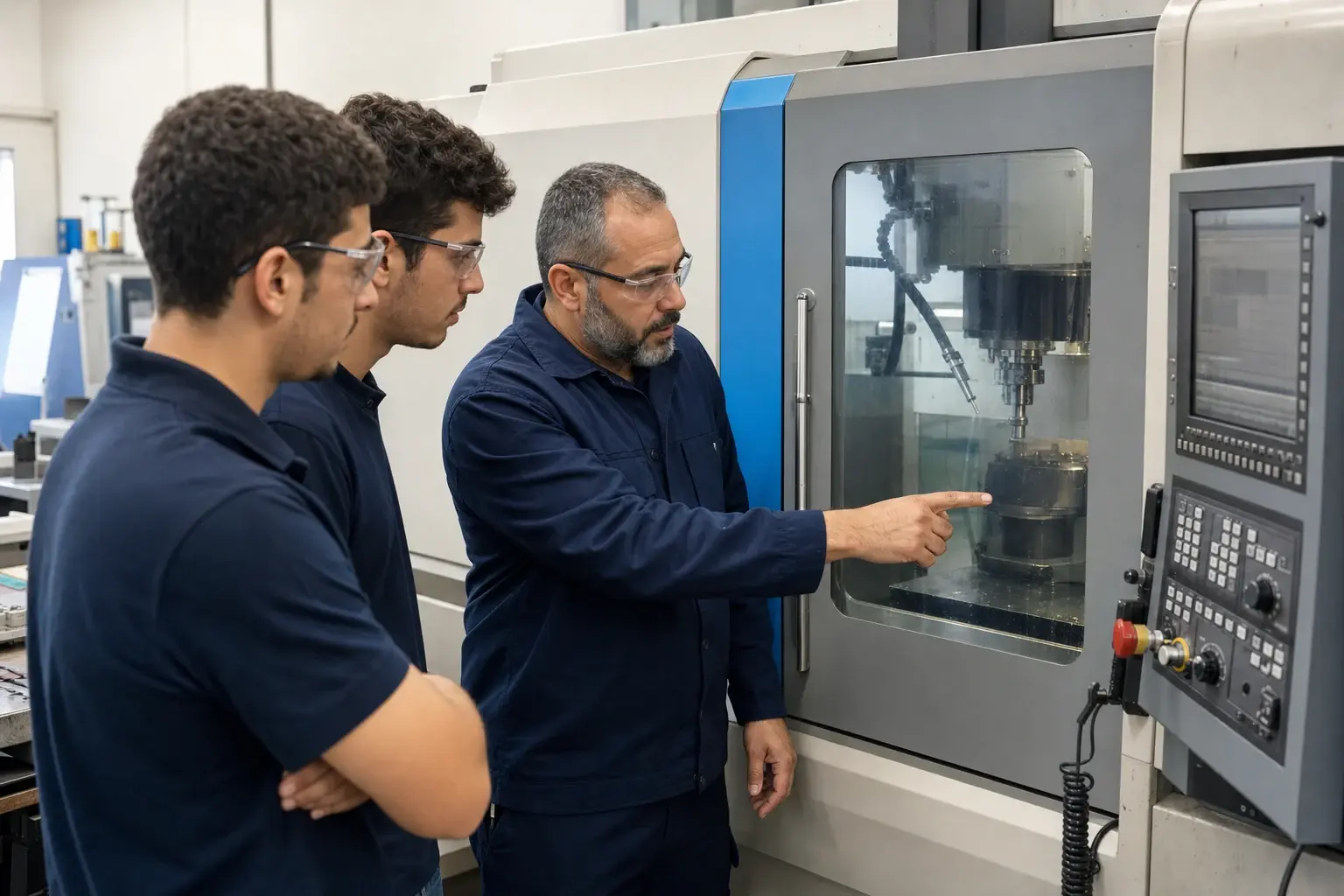
An instructor and two students standing next to a closed CNC machine
Learning Connected to Work

A teaching staff familiar with the production environment

Emphasis on clear explanations, hands-on practice, safe work practices, and the connection between the plan and the actual result.

01

Understanding the Language of Manufacturing

Drawings, dimensions, symbols, materials, and manufacturing processes.

02

Do you know this machine?

Hinge systems, panels, cutting tools, corners, zero points, and offsets.

03

Run and Check

Test Run, Part 1: Measurements, Quality Control, and Corrections.

04

Choosing a Specialization

SolidCAM Operator-Setup or Setup-Programming.

05

We wrap up with a hands-on project

A complete workflow that connects knowledge, machinery, and results.

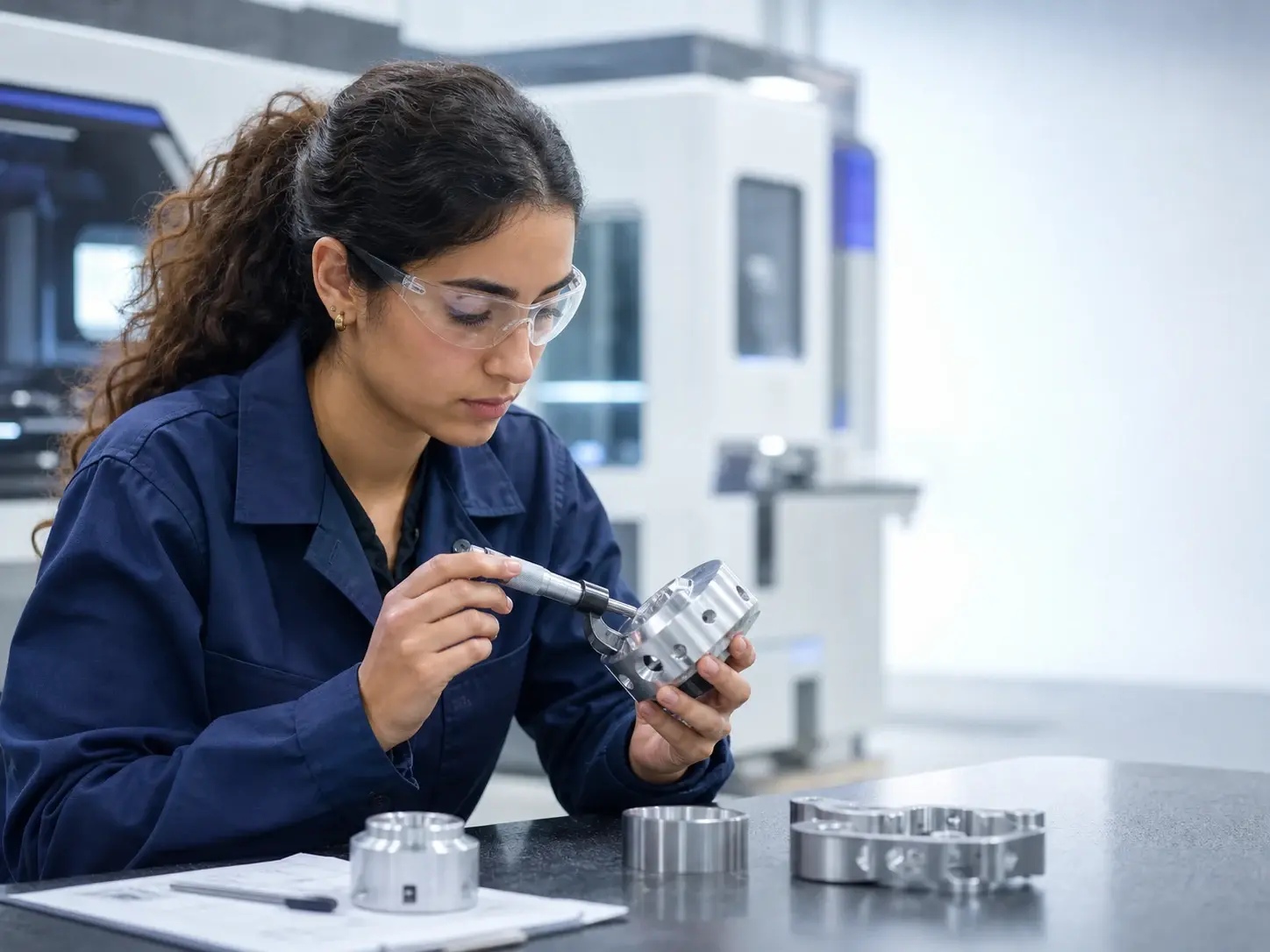
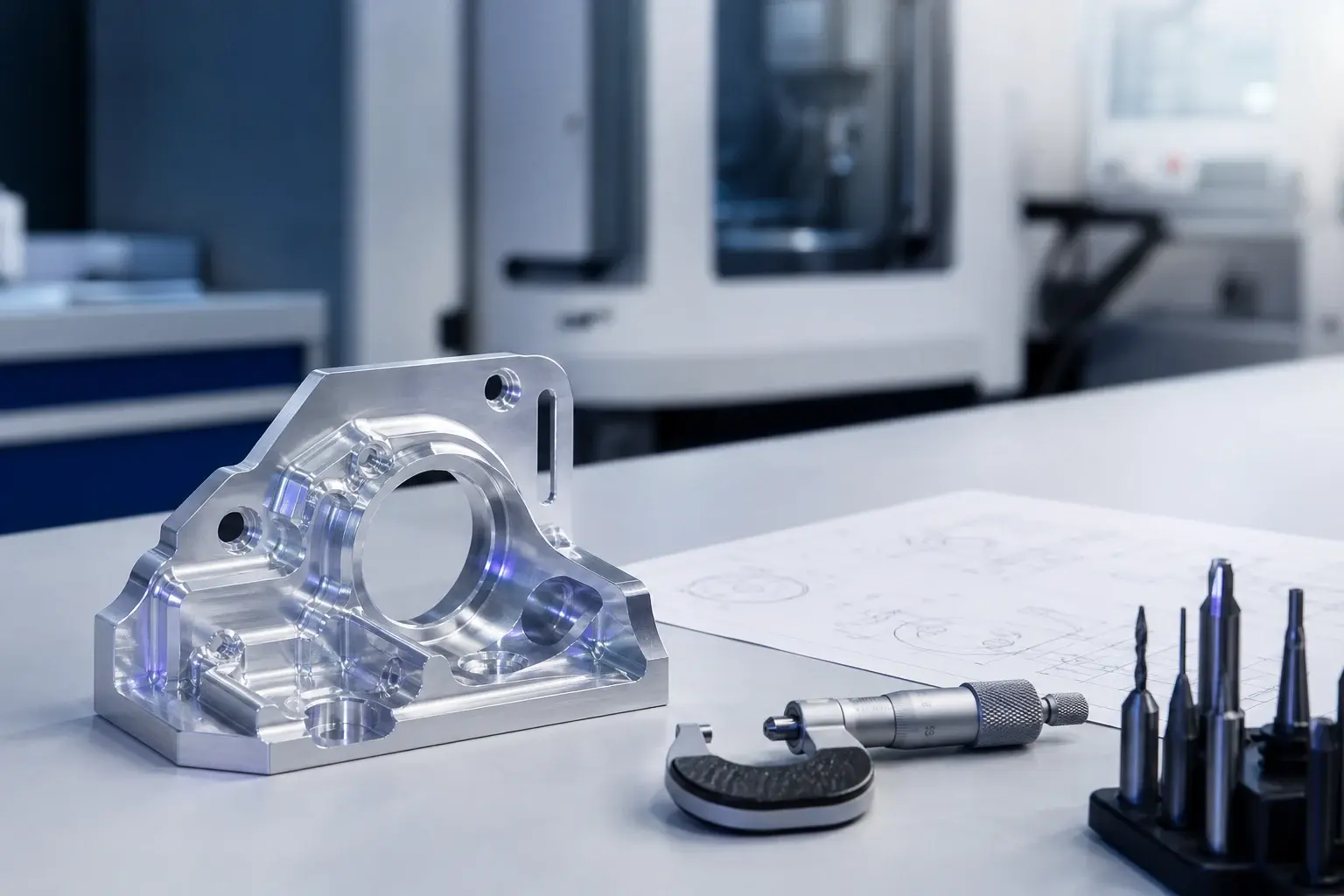
Inspection of a manufactured part at a measuring station
Compatibility Test

Ready to start building your future?

Contact the Newtech team, go through a brief assessment interview, and receive an explanation of the three training options, the admission requirements, and the start date of the upcoming session.

More than just a course

Learning a profession through a clear and practical process

01

An exercise that connects the steps

Students practice the connection between drafting, setup, execution, measurement, and results as part of a practical, step-by-step learning process.

02

A choice that suits the starting point

The orientation session explains the difference between machine-focused work and a track that also incorporates computer-aided design.

03

Preparing for the Working World

Resume preparation, interview coaching, and professional language training—with no obligation to accept a job placement or employment.

Newtech Academy

More Than Just a Course: A Program That Combines Personalized Guidance, Practice, and Support

At Niotech, every program begins with a personalized assessment process, continues with hands-on learning, and includes professional guidance throughout the program.

01

Let's Start Customizing

A conversation with a career counselor helps connect your starting point, your goals, and the appropriate academic path.

02

Learning by Doing

Hands-on learning connects knowledge to the tools, tasks, and work processes of the field being studied.

03

Moving Forward with Support

The college staff guides the learning process and helps students turn their knowledge into a clear career path.

And on the CNC track

This connection is reflected in a step-by-step learning process, hands-on practice, and familiarity with the entire workflow—from the sketch to the finished part.

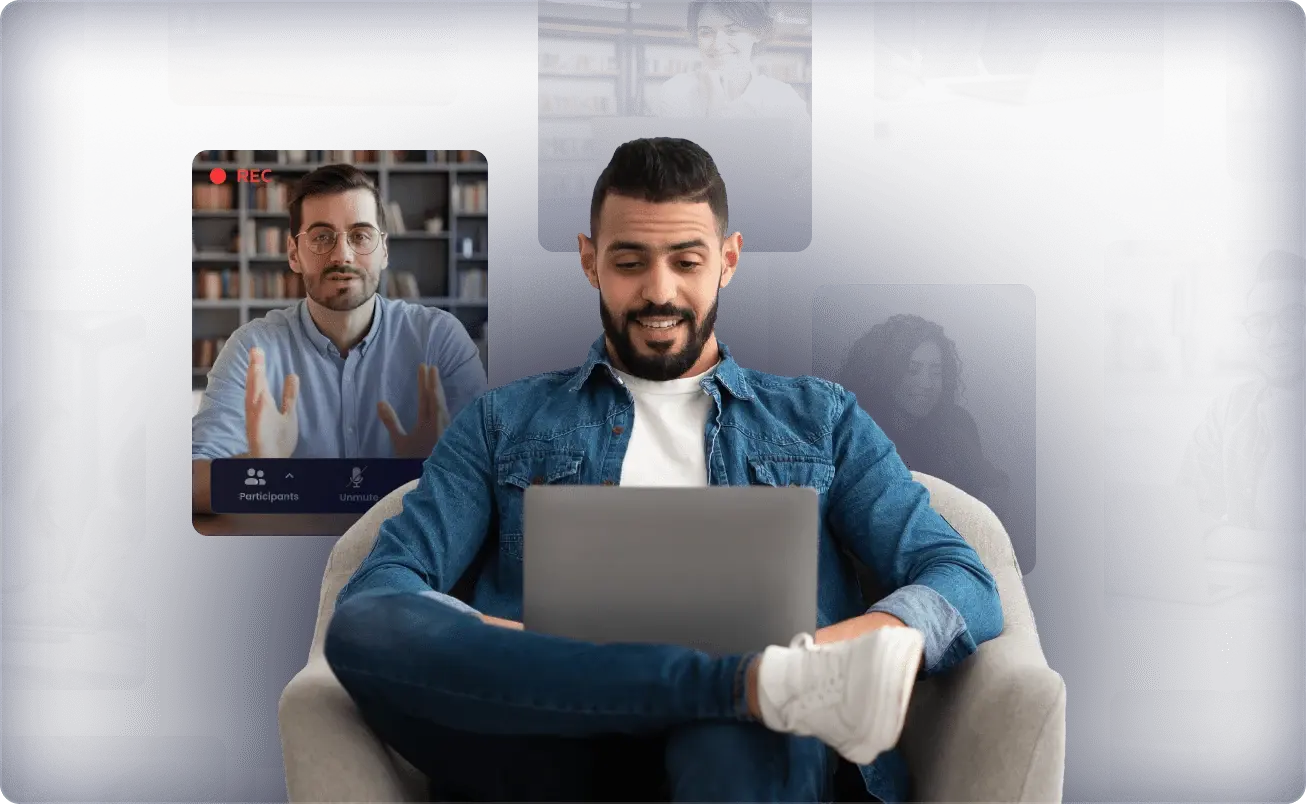
A student studying on a laptop alongside a professor during a video call, with images of technology-based learning
A pilot program that has already been implemented

Training Programs We Have Developed and Delivered to Leading Organizations

Three examples of past experience that combine an organizational need, technological expertise, and a tailored training process.

Embedded Training

Raphael

An embedded systems training program developed for Rafael, with an emphasis on tailoring technical knowledge to the requirements of the role and the professional environment.

Role-Specific Embedded Training
Software Engineers

Elbit

A three-year program to train and integrate 21 software engineers at Elbit, as part of a long-term professional development process.

21 software engineers · A three-year program
Train-to-Hire · Full Stack · DevOps · Project Managers

Amdocs

A Train-to-Hire program developed for Amdocs, in which we trained 15 participants in three professional tracks: Full Stack developers, DevOps engineers, and project managers.

15 participants · Train-to-Hire Program
Quick Comparison

What is the difference between the two tracks?

Comparison of Capabilities Between Two CNC Paths
Ability / FeatureOperator-AdjustmentSolidCAM Programming Guide
Focus of the WorkThe Machine and the Production FloorThe Computer and the Machine
Setup PreparationYesYes
Measurements and OffsetsYesYes
G-Code BasicsYesYes
CAD/CAMBasic introduction as neededA key component
Toolpath PlanningNot on the basic planYes
Simulation and Generation of Manufacturing DocumentsIn terms of usageYes
Entry PointA Track Focused on Practical WorkA broader and more advanced track

Focus of the Work

Operator-Adjustment
The Machine and the Production Floor
SolidCAM Programming Guide
The Computer and the Machine

Setup Preparation

Operator-Adjustment
Yes
SolidCAM Programming Guide
Yes

Measurements and Offsets

Operator-Adjustment
Yes
SolidCAM Programming Guide
Yes

G-Code Basics

Operator-Adjustment
Yes
SolidCAM Programming Guide
Yes

CAD/CAM

Operator-Adjustment
Basic introduction as needed
SolidCAM Programming Guide
A key component

Toolpath Planning

Operator-Adjustment
Not on the basic plan
SolidCAM Programming Guide
Yes

Simulation and Generation of Manufacturing Documents

Operator-Adjustment
In terms of usage
SolidCAM Programming Guide
Yes

Entry Point

Operator-Adjustment
A Track Focused on Practical Work
SolidCAM Programming Guide
A broader and more advanced track
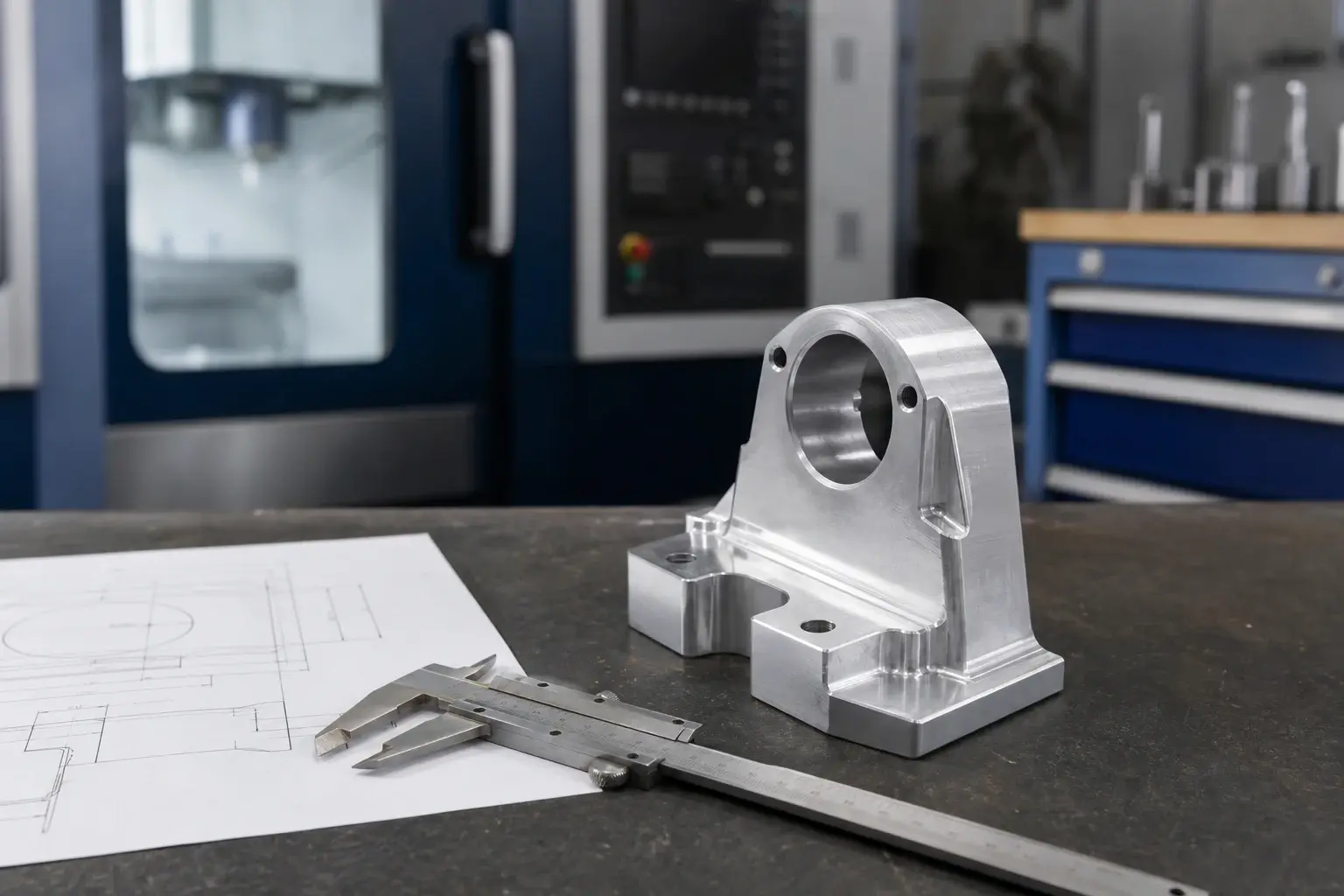
Machined aluminum part alongside a caliper and technical drawing
Newtech CNC

From the first sketch to a clear career path

Share your details, understand the differences between the programs, and work with us to determine which one best suits your starting point and goals.

Questions to Consider Before Making a Decision

Frequently Asked Questions

What is the difference between "set-and-forget" and "set-and-program"?

A machine operator-setter primarily works on preparing the machine, tools, workpieces, setups, running the machine, and taking measurements. A setter-programmer includes these skills and adds computer-aided process planning using CAD/CAM and SolidCAM.

Is prior experience required?

You can start without any prior professional experience in CNC. The admission process includes a screening interview to assess your starting point and goals; a technical background in manufacturing or drafting can be helpful but is not required.

Do you have to be good at math?

You need to be comfortable with numbers, measurements, and logical thinking. During the course, you’ll work on calculations and applications relevant to the job, rather than abstract academic mathematics.

Is the work mainly done on a computer or at a machine?

In the Operator-Setup track, the main focus is on the machine and the production floor. In the SolidCAM track, there is a significant balance between computer-based work and understanding and preparing for work on the machine.

Which machines and controllers do students practice with?

The equipment and precise controls are determined based on the course format. During the consultation, you will receive the specifications for the relevant practice environment prior to registration.

How much of the course is hands-on?

Hands-on practice is integrated throughout the learning stages and connects drafting, setup, execution, measurement, and results. The exact format is explained during the orientation call prior to registration.

Additional Questions About Course Details and the Certificate
What kind of certificate do you receive?

The type of certificate, eligibility requirements, and issuing body are listed in the program details prior to registration.

In what language are classes taught?

The language of instruction and the academic framework are provided along with the program details to allow for a clear assessment before registration.

Can I start with the first course and move on to the advanced course?

Yes. The modular structure begins with the common core A and allows students to choose between A+B, A+C, or the combined track A+B+C, depending on their professional goals.

Is there any assistance available to help me adjust to the job?

Newtech offers preparation for the workforce and connects participants with relevant opportunities based on their suitability and availability. There is no guarantee of placement or employment.

Didn't find the answer you were looking for?

Provide your contact information and ask questions during the consultation call, without committing to a plan.

How do we move forward from here?

Five Simple Steps

01

Leave your contact information

Your name, phone number, and the route you're interested in.

02

A Brief Discussion

We understand your experience, goals, and important questions.

03

Compare Plans

We're evaluating what's better suited for machining or integrated design.

04

Verify Details

You will receive complete information about the date, location, and admission requirements.

05

Making a decision

Sign up only after the image is clear and suitable.

💬 WhatsApp 📞 Call 03-3030312